Travel Security & Scam Awareness: Safe Travel Checklist
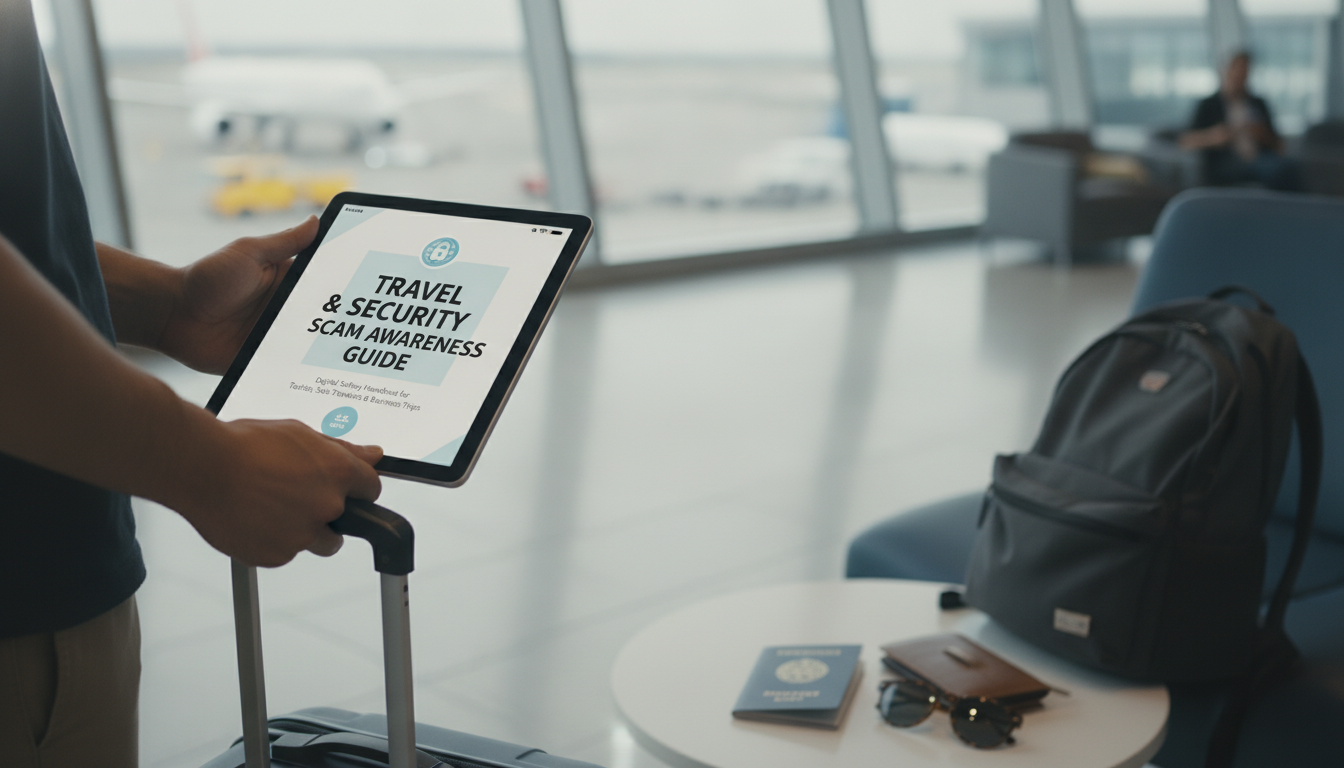
Travel Security & Scam Awareness: a practical digital safety handbook
Travel confidence comes from simple, repeatable habits: protecting money and devices, spotting common scams early, and knowing what to do if something goes wrong. The goal isn’t to travel paranoid—it’s to travel prepared, with fewer points of exposure and a clear recovery path if something gets lost, stolen, or compromised.
Your travel risk profile in 5 minutes
Start by matching your trip to the most likely threats. Solo travel tends to attract social engineering (overly “helpful” strangers) and risks tied to isolation. Business trips raise the stakes for targeted phishing, credential theft, and access badges. Family tourism often means distraction theft in crowded, high-energy attractions.
Decide what absolutely must be protected: passport/ID, payment cards, your phone and its accounts, work laptop (if applicable), and access to email and 2FA. Then use a “minimum exposure” approach: carry one primary payment method, keep backups separated, avoid advertising valuables in public, and reduce unnecessary logins while on the move.
Set red lines you won’t cross: never hand over your phone for “verification,” never scan unknown QR codes, never enter credentials on captive portals, and never accept unsolicited help at ATMs. Finally, pre-plan a recovery route: emergency contacts, bank freeze steps, device lock/wipe, embassy/consulate details, and insurer numbers.
Pre-trip setup: harden accounts and devices before leaving
Most travel tech incidents aren’t “hacks”—they’re easy wins created by weak account setup or rushed decisions on unfamiliar networks. Before departure, turn on multi-factor authentication using an authenticator app or (best) a security key, avoiding SMS-only when possible. Update your OS and apps, remove unused apps, enable automatic updates, and confirm device encryption is on.
Upgrade your unlock routine: use a strong passcode (not a simple 4-digit PIN), and keep biometrics enabled with a passcode required after restart. Build an emergency access kit: printed copies of critical numbers, a secure method to access your password manager offline, and backup codes stored separately from your phone.
Back up photos and documents, and store a passport/visa copy in an encrypted vault rather than your plain camera roll. For connectivity, install a reputable VPN, disable auto-join Wi‑Fi, and consider an eSIM/roaming plan to reduce dependence on public networks. For official travel guidance and country-specific notices, check U.S. Department of State – International Travel and, if relevant, UK Government – Foreign travel advice.
Common travel scams and the fastest ways to spot them
Most scams share the same mechanics: urgency, confusion, and a push to move you away from your normal safety habits. Distraction-and-grab tactics can look like staged spills, petitions, street games, or “friendly” helpers who get close while an accomplice targets your bag or phone. Authority impersonation is another frequent pattern—fake police or inspectors demanding your passport or phone; legitimate officials rarely need to take devices out of your sight.
Quick scam check: warning signs and safest response
| Scenario | Common warning signs | Safest response |
|---|---|---|
| Someone offers to help at an ATM | Stands too close, insists your card failed, asks to see PIN entry | Cancel transaction, cover keypad, move to a bank branch ATM, refuse assistance |
| Free public Wi‑Fi asks for email/password | Requests account credentials or installs a profile/app | Do not log in; use mobile data/eSIM or VPN on known network; forget the network after use |
| ‘Police’ ask to inspect wallet/phone | No clear ID, urgency, wants you to follow to a side street | Ask to go to the nearest station or a public, well-lit area; call the official number if unsure |
| Taxi claims meter is broken | Refuses app price estimate, pushes cash, avoids receipts | Exit safely, use official taxi stand or ride-hailing with verified plate/driver |
| Restaurant QR leads to payment page | Shortened URL, odd domain, prompts card entry immediately | Ask for a physical menu/bill; type official site manually; pay via card terminal |
Money, documents, and valuables: carry less, separate more
Digital safety on the move: Wi‑Fi, charging, and public spaces
Assume public Wi‑Fi is untrusted. Avoid banking and sensitive work logins on open networks; prefer mobile data or a secured hotspot. If you must use Wi‑Fi, use a VPN, and stick to HTTPS sites—then “forget” the network afterward. The UK National Cyber Security Centre has clear, practical guidance on safer Wi‑Fi use: Using public Wi‑Fi safely.
Solo traveler habits that reduce risk without limiting freedom
Business trip precautions: protecting work data and credentials
If something goes wrong: a calm response plan
A printable checklist for departure day and arrival
Recommended digital handbooks for safer travel
- Travel Security & Scam Awareness Guide | Digital Safety Handbook for Tourists, Solo Travelers & Business Trips
- The Smart Traveler’s Guide to Global Etiquette | Digital Download eBook for Cultural Tips, Travel Etiquette, and International Manners
FAQ
Is public Wi‑Fi safe to use while traveling?
It’s often safe for low-risk browsing, but it’s not a safe place for sensitive logins unless you add protections. Use mobile data or a trusted hotspot when possible, disable auto-join, and use a VPN if you must connect—then forget the network afterward.
What should be done first if a phone is stolen abroad?
Lock it immediately using Find My/Find Device and start revoking active sessions for your email and critical accounts. Then contact your carrier to suspend the line, change key passwords from a trusted device, and file a report if you’ll need documentation for insurance or replacement documents.
How can solo travelers reduce scam risk without feeling restricted?
Rely on simple routines: separate valuables, keep your day bag “clean,” and choose verified transport options. Confident navigation, quick refusals, and regular check-ins with a trusted contact reduce risk without shrinking your plans.











Leave a comment